12 Best SEO Software for Small Business (2025 Review)
For small businesses, ranking high in search results isn't just a marketing goal—it's essential for growth. Competing with established brands can feel like an uphill battle, especially when search engine optimization (SEO) is so time-consuming. Manually tracking keywords, analyzing competitors, and building links can take hundreds of hours away from running your business. The right SEO software solves this by automating tasks, providing clear data, and leveling the playing field.
This guide cuts through the noise to help you find the best SEO software for your small business. We go beyond generic feature lists to analyze the top platforms available today. Whether you're a SaaS founder, a blogger, or an e-commerce owner, the right tool can transform your strategy and results.
Inside, you'll find a detailed breakdown of 12 leading SEO platforms. Each review covers:
- Key Features: A focused look at what matters: rank tracking, site audits, keyword research, and backlink analysis.
- Ideal Use-Cases: Clear guidance on who the software is best for, from solo entrepreneurs to small agencies.
- Pricing and Value: An honest assessment of costs and what you get for your money.
- Pros and Cons: A balanced view of each tool's strengths and weaknesses.
We've included screenshots and direct links to each platform, so you can make an informed decision quickly. Our goal is to equip you with the insights needed to select a tool that fits your budget and drives sustainable organic growth.
1. BlazeHive
Best for Automated, Affordable Backlink Acquisition
BlazeHive is a vital tool for small businesses because it solves one of SEO's biggest challenges: building high-quality backlinks without high costs or manual outreach. It's an AI-powered marketplace that automates link-building through a unique credit system. This makes it one of the best SEO software options for small business owners, SaaS founders, and content creators who need to build authority efficiently.
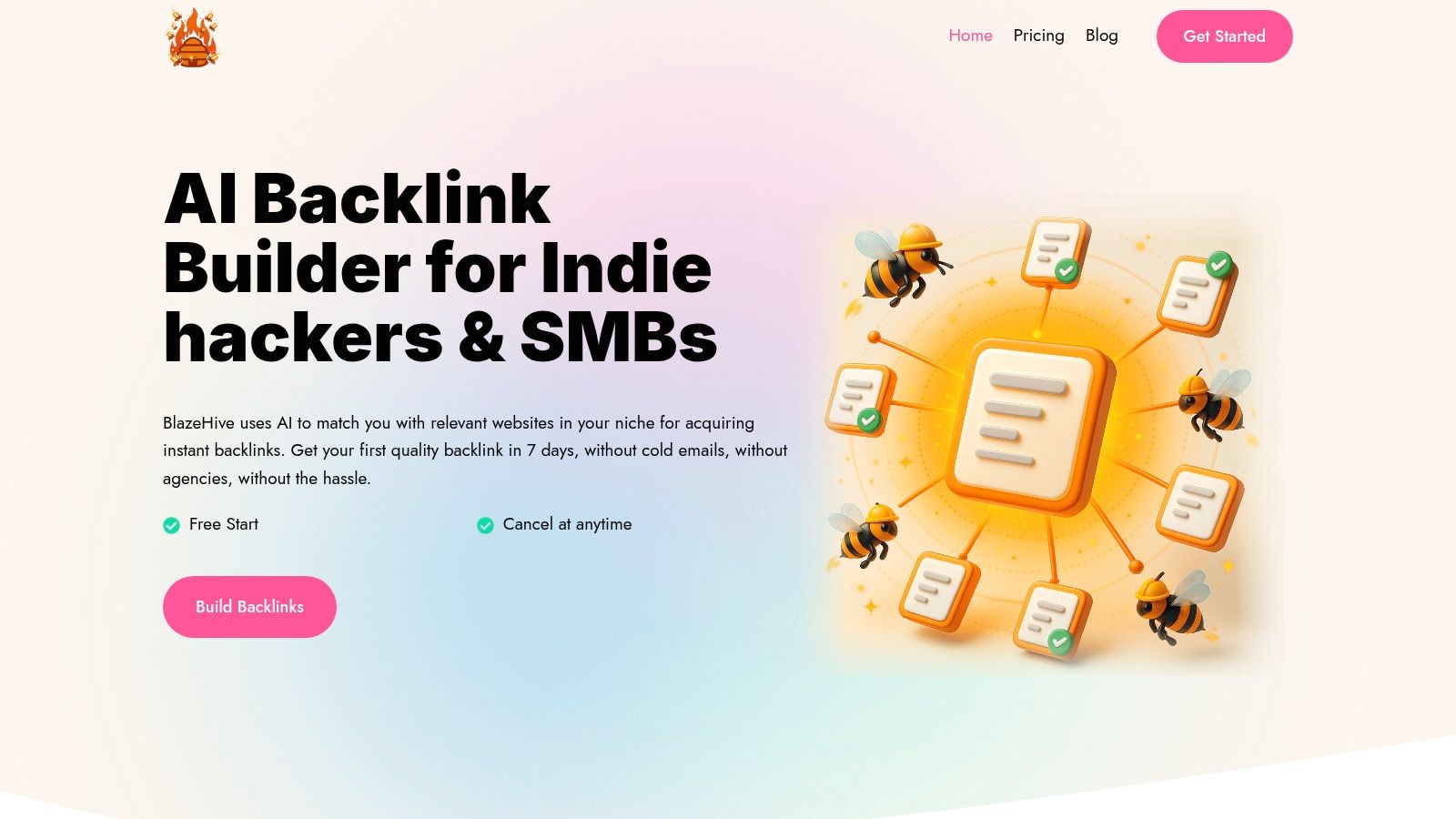
The platform's strength is its AI, which analyzes content at the page level. Instead of brokering random links, it matches websites based on topical relevance, keyword overlap, and domain authority. This intelligent matching ensures the backlinks you get are contextually relevant, adding real value to your SEO profile and helping you avoid low-quality link farms.
Key Features & Use Cases
BlazeHive’s features are focused on a streamlined link-building experience:
- AI-Powered Matchmaking: The system continuously finds and suggests ideal backlink opportunities, eliminating manual prospecting. This is perfect for a SaaS founder building authority in a specific niche or a blogger competing with established domains.
- Reciprocal Credit-Based Marketplace: You earn credits by placing a backlink for another user and spend them to request a backlink from a relevant site. This creates a self-sustaining ecosystem that keeps costs extremely low.
- Automated Workflow: The entire process is automated, from matching to monitoring. The platform claims most users secure their first quality backlink within 3 to 7 days, a huge time-saver compared to traditional methods.
Pricing and Onboarding
BlazeHive offers a simple pricing structure. It starts with a free trial, followed by paid plans:
- Standard: $39/month
- Pro: $59/month
- Business: $99/month
The model allows you to start quickly and see its effectiveness with minimal commitment, a major advantage for budget-conscious small businesses.
Why It Stands Out
BlazeHive is our featured choice because it provides a practical, automated solution to an expensive, high-effort SEO task. While its success depends on its user network, its innovative AI marketplace offers a compelling value. For any small business looking to build a strong backlink profile without an agency budget, BlazeHive is a powerful, modern alternative.
Pros:
- Fully automates link-building with AI-driven matching
- Cost-effective credit system is up to 99% cheaper than agency fees
- Fast results, with most users getting their first link in under a week
- Prioritizes topical relevance for high-quality, valuable links
Cons:
- Reciprocal model requires you to link out to other sites
- Effectiveness depends on the size and quality of the user network
- Limited public testimonials and third-party certifications currently available
Website: https://www.blazehive.io
2. Semrush
Semrush is an all-in-one online visibility platform. For small businesses needing more than just SEO tools, it delivers outstanding value. Semrush bundles toolkits for content marketing, advertising, social media, and competitive research into a single interface. This is a key advantage for small teams where one person manages multiple marketing channels.
Its SEO functionality is powerful. The platform excels at competitive analysis, letting you deconstruct a competitor's organic strategy, from top keywords to backlink sources. The Site Audit tool provides a prioritized list of technical issues to fix, which is invaluable for users without deep technical knowledge. The massive keyword and backlink databases ensure your data is comprehensive.
Key Features & Pricing
| Feature | Description |
|---|---|
| Domain & Keyword Analytics | Research competitor performance, find keyword opportunities, and analyze backlink profiles. |
| Site Audit | Crawls your site to identify and prioritize over 130 technical and on-page SEO issues. |
| Rank Tracking | Monitor daily keyword rankings across different devices and locations. |
| Content Marketing Toolkit | Get tools for topic research, content creation, and performance auditing. |
Pricing starts with the Pro plan at $129.95/month, suitable for freelancers and startups. The Guru plan at $229.95/month adds historical data and the Content Marketing Toolkit. A 7-day free trial is available.
Ideal Use Case: Semrush is one of the best SEO software for small business teams that need a full marketing suite. It's perfect for marketers who also manage content, PPC, and social media and want a unified workflow.
- Pros: Broadest feature set in one platform, powerful competitive analysis tools, strong product development with AI integration.
- Cons: The interface has a steep learning curve, and costs can escalate quickly with additional users or toolkits.
Website: https://www.semrush.com/
3. Ahrefs
Ahrefs is famous for its powerful backlink index, making it a go-to tool for competitive analysis and link building. While it offers a full suite of SEO tools, its core strength is its web-crawling capability, giving small businesses deep data on who links to their competitors and why. The user interface is clean and more intuitive than some rivals, a major plus for those new to advanced SEO software.
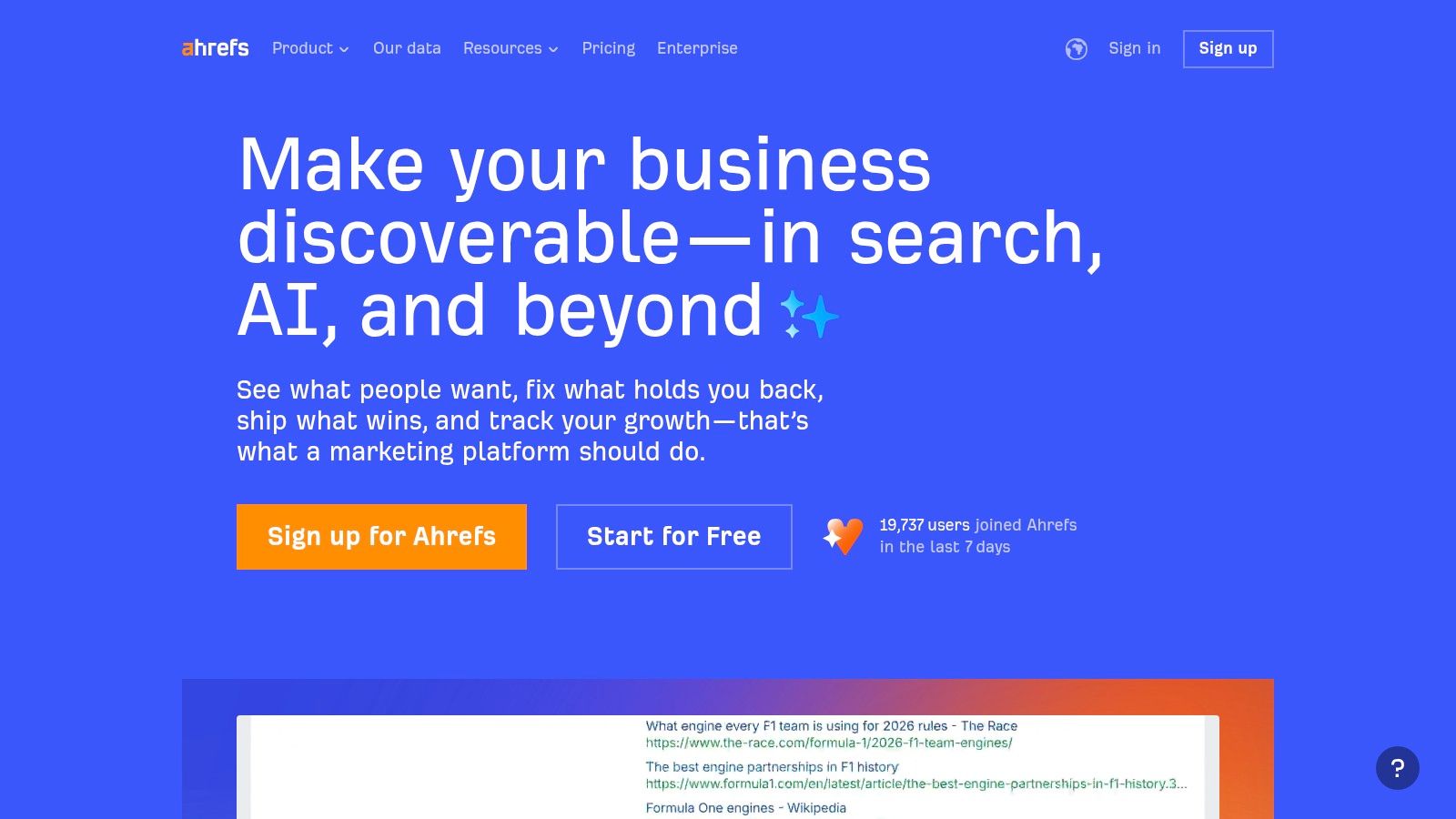
Its Site Explorer tool provides a comprehensive overview of any website's organic traffic and backlink profile. This is crucial for understanding competitors' link-building strategies and finding high-quality link opportunities. By analyzing a competitor's referring domains, you can reverse-engineer their success. Learn more about what a referring domain is to fully use this data. Ahrefs also offers a free (though limited) Webmaster Tools version to audit your own site.
Key Features & Pricing
| Feature | Description |
|---|---|
| Site Explorer | A powerful competitive analysis tool for viewing organic traffic, backlink profiles, and top pages. |
| Keywords Explorer | In-depth keyword research tool with advanced metrics like "Clicks" and keyword difficulty scores. |
| Site Audit | Crawls your website to find and help you fix common technical and on-page SEO problems. |
| Rank Tracker | Monitors your website's keyword rankings across mobile and desktop in various locations. |
Pricing begins with the Lite plan at $99/month, designed for small businesses and hobbyists. The Standard plan at $199/month offers more comprehensive data for in-house marketing teams.
Ideal Use Case: Ahrefs is the best SEO software for small business owners who prioritize backlink analysis and competitive research. It’s perfect for teams focused on building authority by dissecting and replicating competitor link-building strategies.
- Pros: Industry-leading backlink data and web crawler, user-friendly interface, valuable free tools for website owners.
- Cons: Higher-tier plans are needed for more extensive data, and adding users is expensive.
Website: https://ahrefs.com/
4. Moz Pro
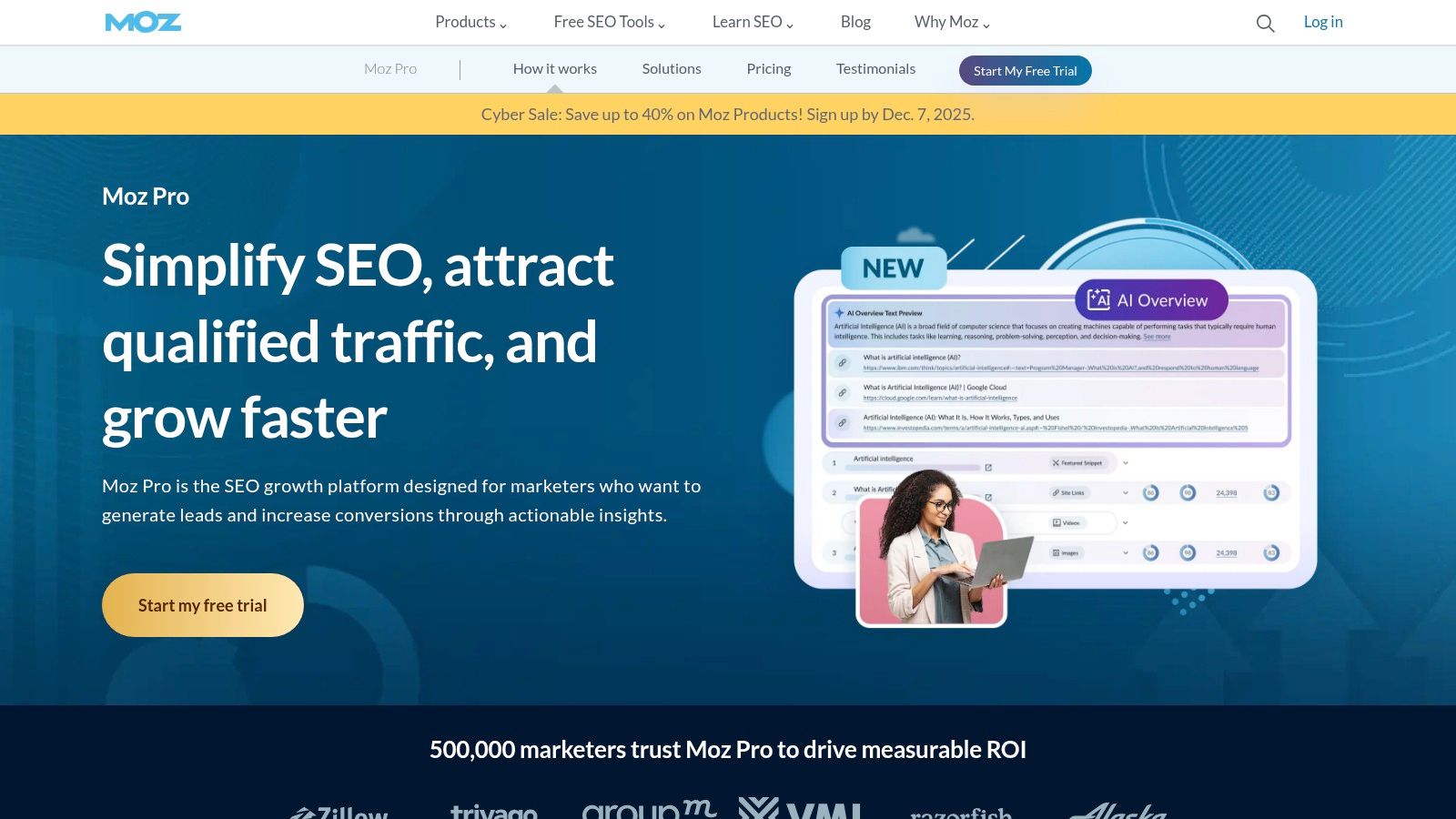
Moz Pro is an original player in the SEO software space, known for being accessible and educational. For small businesses new to SEO, Moz Pro offers a well-rounded suite of tools that are less intimidating than data-heavy platforms. It excels at presenting complex concepts, like Domain Authority, in a clear and actionable way.
The platform provides all the core functions a small business needs, from keyword research and rank tracking to site audits and link building. The "Campaigns" feature tracks a site's overall health and performance over time, making it easy to report on progress. Its user-friendly interface and extensive learning resources make it an excellent entry point into professional SEO.
Key Features & Pricing
| Feature | Description |
|---|---|
| Keyword Explorer | A comprehensive tool for keyword research, analysis, and prioritization. |
| Link Explorer | Analyzes your website's backlink profile on blazehive.io and discovers competitor link-building strategies. |
| Site Crawl | Audits your site to find and fix technical SEO issues that could hurt your rankings. |
| Rank Tracker | Monitors your site's keyword rankings at national, state, and local levels. |
Pricing for Moz Pro begins with the Standard plan at $99/month, a great starting point for solo entrepreneurs. The Medium plan at $179/month offers more keywords and full access to the Keyword Explorer. A 30-day free trial is available.
Ideal Use Case: Moz Pro is the best SEO software for small business owners and beginners who need a reliable, all-in-one toolkit without an overwhelming interface. It's perfect for learning SEO fundamentals while improving site performance.
- Pros: Beginner-friendly interface and strong educational resources, well-regarded metrics like Domain Authority, lower starting price than many competitors.
- Cons: Its link and keyword databases can be less extensive than Semrush or Ahrefs, and the platform can feel slower.
Website: https://moz.com/products/pro
5. SE Ranking
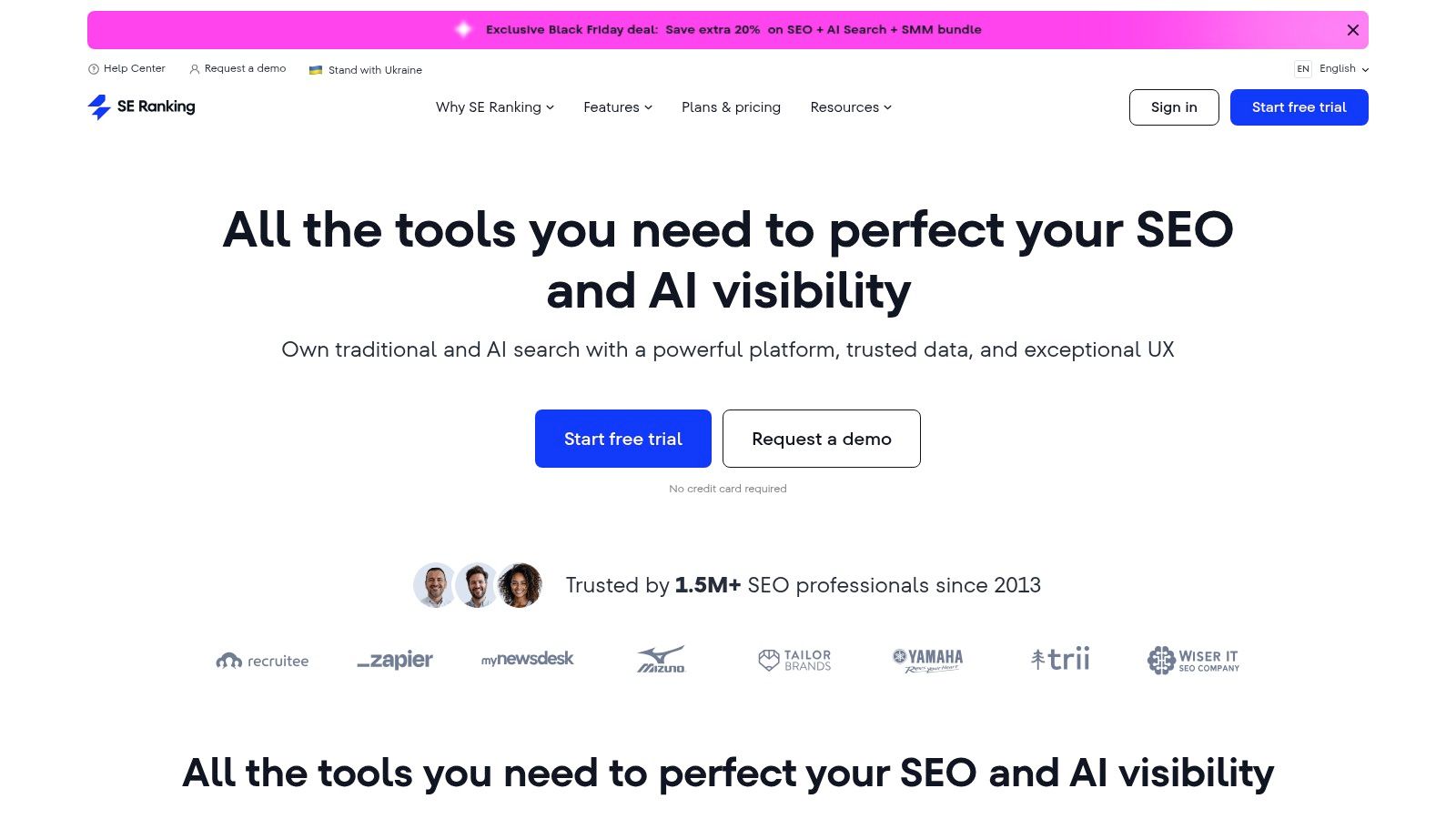
SE Ranking is a powerful, cost-effective SEO platform that provides a comprehensive toolset without the enterprise price tag. It's ideal for small businesses, startups, and agencies that need robust functionality on a budget. The platform covers all essential SEO pillars—rank tracking, site auditing, backlink analysis, and keyword research—within an intuitive interface.
Its primary advantage is exceptional value. SE Ranking offers generous limits on tracked keywords and audited pages, even on entry-level plans. The platform is also flexible, allowing users to add on features for content marketing, local SEO, and social media as they grow, rather than forcing them into a much more expensive tier.
Key Features & Pricing
| Feature | Description |
|---|---|
| Daily Rank Tracking | Accurate, daily tracking of keyword rankings across major search engines, locations, and devices. |
| Website Audit | A comprehensive site crawler that checks for technical SEO issues and provides actionable advice. |
| Keyword & Competitive Research | Tools to discover keyword opportunities, analyze competitor strategies, and explore SERP features. |
| Backlink Checker & Monitor | Analyze any domain's backlink profile and monitor your own links for changes. |
Pricing for SE Ranking is highly flexible, with the Essential plan starting at $55/month for 750 keywords tracked daily. The Pro plan at $109/month is popular with small agencies. A 14-day free trial is available without a credit card.
Ideal Use Case: SE Ranking is the best SEO software for small business owners and agencies wanting a full suite of reliable tools at an affordable price. It's perfect for those who prioritize accurate rank tracking and site audits without an enterprise budget.
- Pros: Excellent value for the price, generous rank-tracking quotas, flexible add-ons for growing needs.
- Cons: Advanced data volumes and some features require higher tiers or add-ons.
Website: https://seranking.com/
6. Screaming Frog SEO Spider
Screaming Frog’s SEO Spider is the industry-standard desktop crawler for deep technical SEO audits. Unlike cloud-based platforms, it runs on your computer (Windows, macOS, or Linux), giving you direct control over the crawl. This makes it an essential tool for diagnosing complex on-site issues like broken links, redirect chains, duplicate content, and metadata errors with precision.
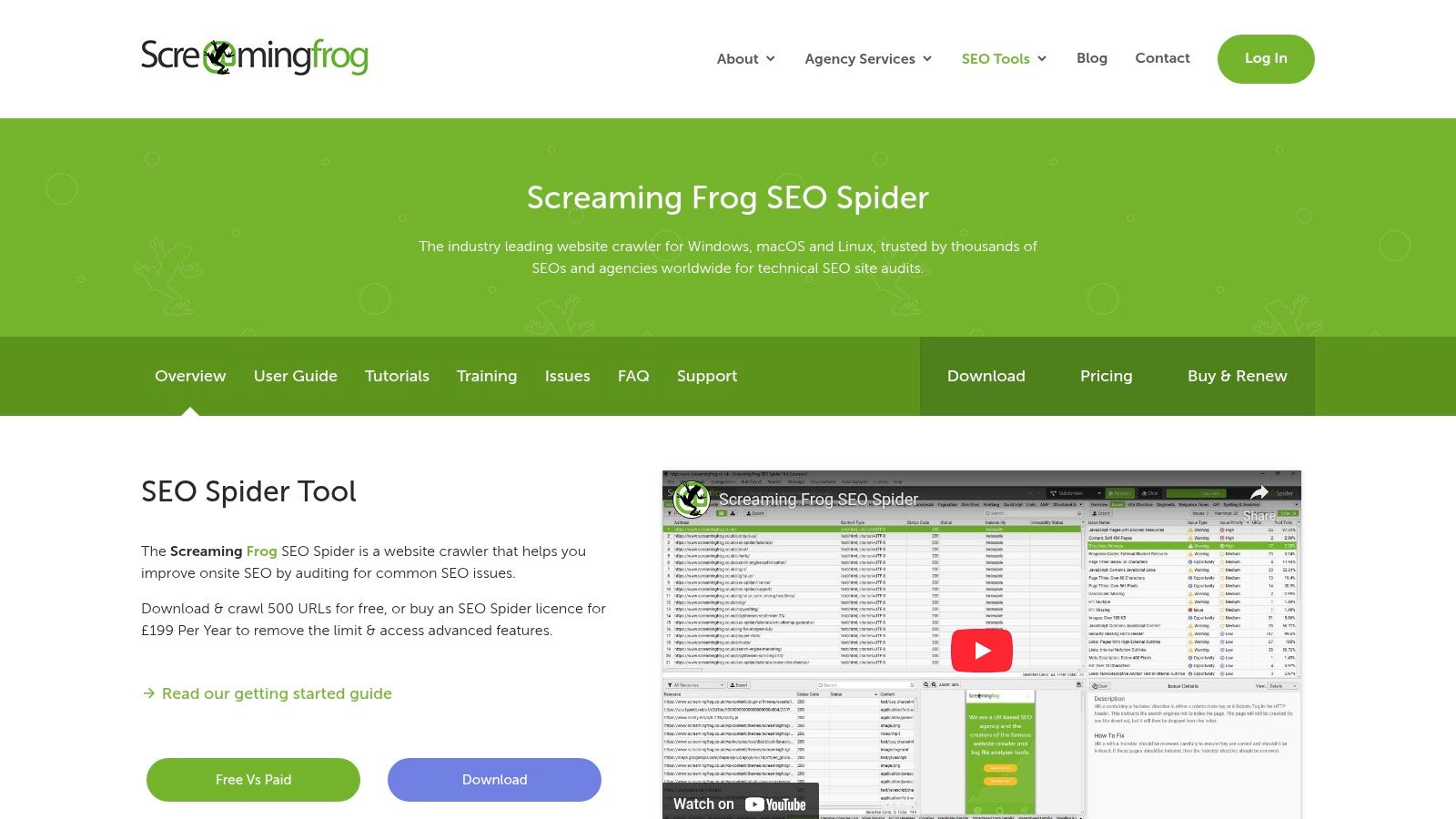
Its strength is its speed and the depth of data it extracts. While other tools offer site audits, Screaming Frog is purpose-built for this task, providing unparalleled detail. For small businesses with a developer or a technically-minded marketer, it offers a powerful way to find and fix issues that impact search rankings. It's also excellent for analyzing internal linking structure; you can learn about different types of links and their impact on SEO.
Key Features & Pricing
| Feature | Description |
|---|---|
| Comprehensive Site Crawling | Finds broken links (404s), server errors, and analyzes page titles and meta descriptions. |
| Data Extraction | Use XPath, CSS Path, or regex to scrape data from a URL's HTML. |
| API Integrations | Connects with Google Analytics, Search Console, and PageSpeed Insights to fetch user and performance data. |
| Crawl Scheduling & Comparison | Schedule automatic crawls and compare data over time to track technical changes. |
Screaming Frog has a generous Free version that crawls up to 500 URLs. The paid Licensed version is £259/year per license, unlocking unlimited crawls, scheduling, and API integrations.
Ideal Use Case: This is the best seo software for small business owners or freelancers who need to perform in-depth technical audits. It's perfect for finding the root causes of ranking problems without a recurring monthly subscription.
- Pros: The gold standard for technical site audits, generous free version for small sites, powerful data extraction.
- Cons: Desktop software consumes local computer resources, interface can be overwhelming for beginners, no rank tracking or backlink analysis features.
Website: https://www.screamingfrog.co.uk/seo-spider/
7. Yoast SEO
For small businesses on WordPress or Shopify, Yoast SEO is an essential guide. It works directly within your content management system, providing real-time feedback and implementing structured data without switching tools. Its main strength is demystifying on-page SEO for non-experts, using a simple traffic light system to score content readability and keyword optimization as you write.
Unlike all-in-one suites, Yoast focuses on getting your on-site and technical fundamentals right. The plugin automatically generates XML sitemaps, manages redirects, and adds schema markup for rich snippets. This foundational approach ensures your site is technically sound and ready for more advanced strategies, making it a critical first step for any small business serious about SEO. It complements, rather than replaces, a comprehensive SEO tool.
Key Features & Pricing
| Feature | Description |
|---|---|
| Real-time Content Analysis | Gives instant feedback on keyword usage, meta descriptions, and readability in the editor. |
| Technical SEO Automation | Manages XML sitemaps, robots.txt, and breadcrumbs, and adds canonical URLs to prevent duplicate content. |
| Schema Markup | Automatically implements structured data to help search engines understand your content and generate rich results. |
| Redirect Manager (Premium) | Easily set up redirects to avoid broken links when changing URLs. |
Yoast SEO offers a robust free version. The Premium plugin is $99/year per site, adding the redirect manager, internal linking suggestions, and 24/7 support.
Ideal Use Case: Yoast SEO is the best seo software for small business owners, bloggers, and content creators using WordPress or Shopify. It’s perfect for those who need a guided, non-technical way to master on-page and foundational SEO.
- Pros: Seamless integration with WordPress/Shopify, excellent educational resources, very affordable.
- Cons: Not a full marketing suite (no competitive research or backlink data), best paired with other SEO tools.
Website: https://yoast.com/
8. Surfer
Surfer shifts the focus from broad SEO metrics to laser-focused content optimization. Its core strength is analyzing top-ranking pages for a target keyword and turning that data into actionable, writer-friendly guidelines. For small businesses scaling content, Surfer provides a clear blueprint for creating articles that match user intent, improving the chances of ranking without guesswork.
Surfer specializes in on-page SEO. The Content Editor tool gives real-time feedback on word count, keyword density, and related terms, making it invaluable for writers. This data-driven approach ensures every piece of content is structured for SERP success from the first draft. Its integrations with Google Docs and WordPress streamline the workflow from creation to publication.
Key Features & Pricing
| Feature | Description |
|---|---|
| Content Editor | Gives real-time, data-driven suggestions for content structure and keywords based on SERP analysis. |
| Audit Tool | Analyzes existing pages to identify content gaps and provides recommendations for optimization. |
| Surfer AI | An AI-assisted tool that generates well-researched article outlines and drafts (uses a credit system). |
| Integrations | Connects with Google Docs, WordPress, and Jasper to fit into existing content workflows. |
Pricing for Surfer starts with the Essential plan at $89/month. The Advanced plan at $179/month adds more user seats and features like white labeling. Surfer AI credits are purchased separately, offering flexibility.
Ideal Use Case: Surfer is one of the best SEO software for small business owners and content teams focused on creating high-ranking content at scale. It's perfect for empowering writers with clear, data-backed optimization guidelines.
- Pros: Tangible, writer-friendly content guidance, easy integrations for publishing, pay-as-you-go AI credits.
- Cons: Primarily focused on on-page SEO, not a full-suite tool; separate costs for AI credits can add up.
Website: https://surferseo.com/
9. BrightLocal
For businesses with a physical location or service area, general SEO tools often miss the mark. BrightLocal is a specialized platform built to conquer local SEO. It's an indispensable tool for brick-and-mortar shops and service-based businesses. Its strength lies in its focused toolset for managing signals that impact local search rankings, like Google Business Profile performance, local citations, and online reviews.
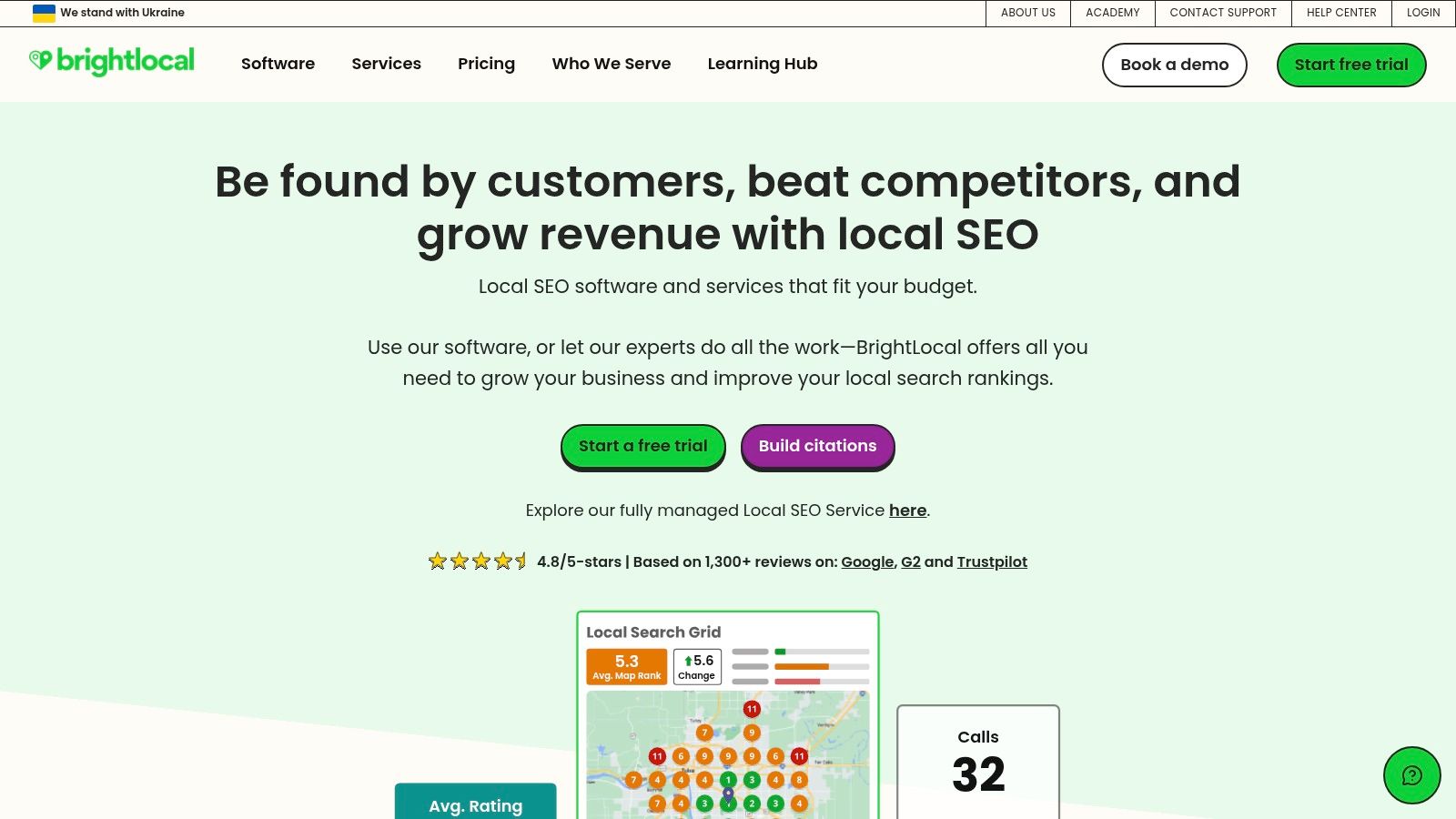
Unlike all-in-one platforms, BrightLocal excels at providing deep, actionable insights into your local footprint. It simplifies tedious tasks like auditing citation consistency, monitoring local pack rankings, and managing customer reviews. This focus makes it incredibly efficient for businesses where "near me" searches drive new customers.
Key Features & Pricing
| Feature | Description |
|---|---|
| Local Rank Tracker | Monitors your rankings across Google Maps, the local pack, and organic results with precise location settings. |
| Citation & Listing Management | Audits existing citations for consistency and helps build new, accurate listings across key directories. |
| Reputation Manager | Tracks reviews from dozens of sites and provides tools to generate new reviews from happy customers. |
| Google Business Profile Audit | Provides a detailed report on your GBP listing, highlighting optimization opportunities. |
Pricing is flexible, starting with the Single Business plan at $39/month. The Multi Business plan at $59/month is for agencies managing multiple locations. A 14-day free trial is available.
Ideal Use Case: BrightLocal is the best SEO software for small business owners who depend on local customers. It is perfect for restaurants, plumbers, dentists, and local marketing agencies that need to optimize local search visibility.
- Pros: Highly specialized and effective for local SEO, flexible per-location pricing, excellent reputation and citation-building tools.
- Cons: Not a comprehensive SEO tool for national campaigns; add-on services like citation building increase costs.
Website: https://www.brightlocal.com/
10. Google Search Console
Google Search Console (GSC) is the non-negotiable, foundational tool for any website owner. It provides direct, unfiltered data from Google on how your site performs in search. While not a full SEO suite, it's the ultimate source of truth for understanding your site's health, indexing status, and organic search performance.
Its main value is the Performance report, which shows the exact queries users typed to find your site, along with clicks, impressions, and average ranking positions. This data is pure gold for finding content opportunities. GSC also provides critical technical feedback, alerting you to indexing errors, mobile usability problems, and security issues that could hurt your rankings. It's the diagnostic dashboard for your website's relationship with Google.
Key Features & Pricing
| Feature | Description |
|---|---|
| Performance Reports | Analyze clicks, impressions, CTR, and average position for queries, pages, and devices. |
| Index Coverage | Monitor which pages Google has indexed and troubleshoot any crawling or indexing problems. |
| URL Inspection Tool | View detailed crawl, index, and serving information about a specific URL from the Google index. |
| Enhancements | Get reports on mobile usability, Core Web Vitals, and structured data implementation. |
Google Search Console is completely free for any website owner. There are no paid plans; you just need to verify ownership of your site.
Ideal Use Case: Google Search Console is an essential, zero-cost tool for every small business and website owner. It’s the first platform you should set up to get baseline performance data and diagnose critical technical issues directly from the source.
- Pros: Essential, 100% free data direct from Google; validates technical fixes and monitors site health; crucial for understanding search behavior.
- Cons: Not a comprehensive SEO suite (no competitive analysis or keyword research); data is limited to your own site's performance on Google.
Website: https://search.google.com/search-console/
11. G2 (SEO Tools category)
G2 isn't a single SEO tool but a software marketplace that's an invaluable research starting point. For small businesses overwhelmed by options, G2's "SEO Tools" category provides a structured way to compare platforms based on verified user reviews. This gives you insights from real-world users who have faced similar challenges.
The platform’s strength is its powerful filtering and comparison capabilities. You can segment the market for "Small Business" users, instantly hiding enterprise-level tools that are out of budget. G2’s comparison grids and "Highest Rated" sorting tabs let you quickly shortlist candidates based on peer feedback, which saves time for busy founders.
Key Features & Pricing
| Feature | Description |
|---|---|
| User Reviews & Ratings | Access thousands of verified reviews to gauge user satisfaction and real-world performance. |
| Comparison Grids | Compare multiple solutions side-by-side on features, satisfaction scores, and market presence. |
| Small Business Filter | Narrows down the software list to tools rated highly by small business users. |
| Category-Specific Reports | View detailed reports and leaderboards to identify top-performing SEO tools. |
G2 is a free resource for buyers. You can browse, read reviews, and compare products without a subscription.
Ideal Use Case: G2 is best for best seo software for small business discovery. It's the perfect first stop for decision-makers who want to create a data-backed shortlist of tools to trial before subscribing.
- Pros: Fast way to compare a wide array of SEO tools, effective filters to narrow choices, reviews provide authentic user feedback.
- Cons: Sponsored placements can influence visibility; always verify pricing and feature details on the vendor’s official website.
Website: https://www.g2.com/categories/seo-tools
12. Capterra (SEO Software Category)
Capterra is a comprehensive software marketplace that serves as an invaluable research hub. Owned by Gartner, its ‘SEO Software’ category allows small businesses to discover vendors, compare features, and read user reviews. For buyers overwhelmed by options, Capterra provides structure and context.
The platform excels at helping users filter the noise. You can sort the list of tools by pricing, specific features like rank tracking, and user ratings. This is crucial for small businesses needing to find a solution that fits a precise budget and feature requirement. The buyer's guides also offer a solid educational foundation for those new to purchasing SEO software.
Key Features & Pricing
| Feature | Description |
|---|---|
| Software Directory & Filters | A large, sortable database of SEO tools that can be filtered by price, features, ratings, and business size. |
| Aggregated User Reviews | Verified user reviews and ratings provide real-world insights into a tool's performance and support. |
| Comparison Tools | Select multiple vendors to see a side-by-side comparison of their features, pricing, and ratings. |
| Buyers' Guides | Editorial content that helps first-time buyers understand the market and identify key features. |
Capterra is a free resource for buyers. Vendors pay for placement, so there is no cost to use the site for research.
Ideal Use Case: Capterra is ideal for the best seo software for small business owners in the initial research phase. It’s perfect for building a shortlist, comparing pricing, and using community reviews to make an informed decision.
- Pros: Large directory with excellent filtering options, user reviews provide social proof, great for initial budget planning.
- Cons: Vendor information and pricing can be outdated; always verify details on the official vendor website.
Website: https://www.capterra.com/seo-software/
Top 12 SEO Tools for Small Business — Comparison
| Product | Core focus | Target audience | Unique selling point | Price (entry) |
|---|---|---|---|---|
| BlazeHive | AI-powered reciprocal backlink marketplace automating link-building | Indie hackers, SaaS founders, content creators, SMBs, agencies | Content-level AI matching + credit-based two-sided marketplace that "pays you back" | Free trial; plans from $39/mo |
| Semrush | All-in-one SEO & visibility suite (research, audits, content) | Small teams, agencies | Broad toolset and AI-oriented toolkits for full marketing workflows | Paid plans; trials available |
| Ahrefs | Backlink & competitor research with site explorer | SEOs, SMBs, agencies | Very large crawl/backlink index and deep link data | Paid plans (from ~$99/mo) |
| Moz Pro | Beginner-friendly SEO suite (keyword, link, audits) | Small businesses and growing teams | Easy onboarding, clear upgrade path, MozBar integration | Paid plans (entry-level) |
| SE Ranking | Cost-effective rank tracking, audits, competitive research | SMBs and agencies | Generous rank-tracking quotas and flexible add-ons | Value pricing; trial (no card) |
| Screaming Frog SEO Spider | Desktop site crawler for technical SEO audits | Technical SEOs, developers | Fast, precise local crawling with custom extraction | Free (≤500 URLs); paid annual license |
| Yoast SEO | On-page SEO & content readability plugin | WordPress/Shopify site owners, content editors | Real-time content checks, schema and redirect support (Premium) | Free + Premium add-ons |
| Surfer | Content optimization and SERP-intent guidance | Content teams, writers, SMBs scaling content | Writer-friendly content editor + Surfer AI credits | Paid plans; pay-as-you-go AI credits |
| BrightLocal | Local SEO: GBP, listings, citations, reviews | Brick-and-mortar businesses & local agencies | Local rank tracking, listings sync and per-location pricing | Per-location pricing; trial |
| Google Search Console | Google search performance, indexing, and coverage reports | All site owners and SEOs | Direct, zero-cost data from Google (essential baseline) | Free |
| G2 (SEO Tools) | Software marketplace and user reviews for SEO tools | Buyers shortlisting SEO platforms | Filterable reviews, "Highest Rated" and buyer-focused grids | Free |
| Capterra (SEO Software) | Vendor directory, buyers' guides and aggregated reviews | Buyers researching SEO software | Top lists, buyers' guides and pricing snapshots | Free |
Making Your Final Decision: The Best SEO Tool is the One You'll Actually Use
Navigating the crowded market of SEO software is tough, especially when every dollar counts. We've explored everything from all-in-one powerhouses like Semrush to specialized tools like Screaming Frog. Each tool offers unique value, tailored to different business stages, technical skills, and budgets. The key takeaway is there's no single "best" platform; the right choice depends entirely on your needs and goals.
You searched for the best seo software for small business, and the answer lies in self-assessment. A solo blogger has different needs than a local service provider or an e-commerce store. The most expensive, feature-rich platform is a waste if its complexity leads to inaction. Conversely, a free tool like Google Search Console is essential but not enough for aggressive growth.
A Practical Framework for Your Decision
To move from analysis to action, use this simple framework. Before subscribing, evaluate your business across three critical areas:
-
Budget vs. Ambition: Be realistic about your finances. On a tight budget, a combination of Google Search Console, a freemium plan from SE Ranking, and Yoast SEO is a powerful start. But if your growth demands a competitive edge in link building, a specialized, cost-effective solution like BlazeHive or a mid-tier plan from a major suite is a strategic necessity.
-
Time vs. Technical Skill: How much time can you realistically dedicate to learning a new platform? Tools like Moz Pro and BrightLocal are user-friendly, ideal for non-experts. In contrast, Ahrefs and Screaming Frog offer deeper data but have a steeper learning curve. Your choice must align with your available time to ensure the tool is an asset, not another task.
-
Core Business Need: What is your biggest SEO bottleneck right now?
- If it's local visibility, BrightLocal is the clear winner.
- If it's on-page content optimization, Surfer provides an unbeatable, data-driven workflow.
- If it's a lack of authority and backlinks, a solution focused on affordable backlink automation like BlazeHive is essential. This is a critical hurdle where many small businesses fail.
Your Actionable Next Steps
The goal is to choose a tool that empowers you to take consistent, informed action. The best seo software for small business is one that becomes part of your weekly routine, not one that gathers digital dust after the trial ends.
- Revisit Your Top 2-3 Choices: Based on the framework above, narrow down your list.
- Sign Up for Free Trials: Use trial periods to execute a specific task, like a site audit or keyword research.
- Evaluate the User Experience: Can you find what you need? Is the data easy to understand? A tool's true value is in its usability.
- Commit and Implement: Once you choose, commit to learning its core features. Set aside a few hours each week to use the platform. Consistency is the engine of organic growth.
By grounding your decision in your specific context, you turn a confusing choice into a strategic investment that will pay off in organic traffic, leads, and long-term business growth.
If your primary challenge is building authority and you need a cost-effective way to get high-quality backlinks without the agency price tag, BlazeHive was designed for you. It directly addresses the most time-consuming part of SEO for small businesses by automating outreach and link acquisition. Explore how BlazeHive can help you build the backlink profile you need to compete and win in your niche.